Watch the pull from every raider's screen
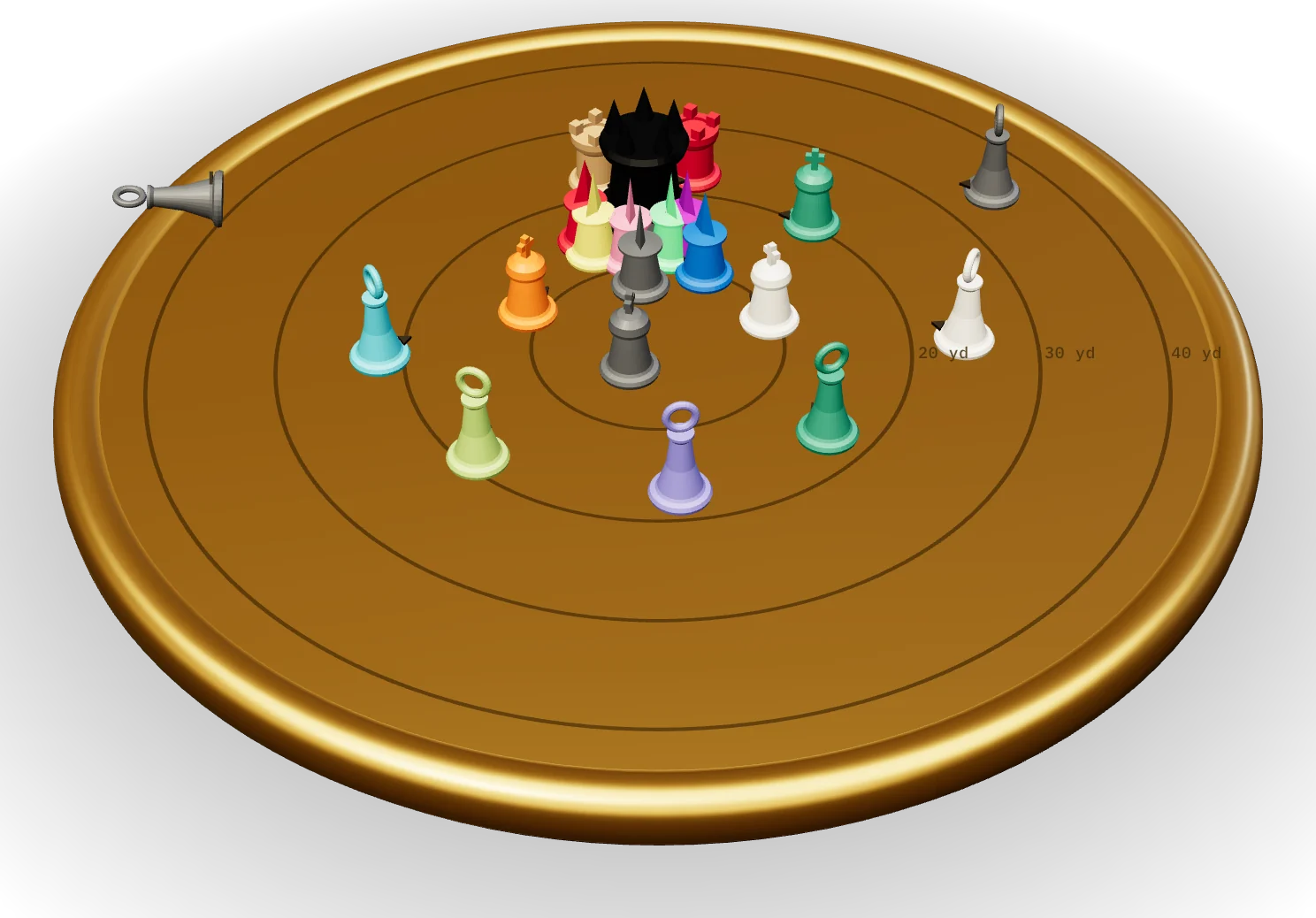
Vantage plays every recording of one pull on a single clock, beside a gold board that shows where everyone stood. Click a piece, and you're watching their POV.
HOW IT WORKS
Three uploads, one replay
I
Everyone records
Warcraft Recorder on Windows, Vantage Recorder on Mac. Each pull becomes its own clip, automatically.
II
One person uploads the log
The combat log is read in their browser. Pulls, positions and deaths go up as a small replay file; the raw log stays on their computer.
III
Everyone uploads their clips
Drop in the recorder folder. Clips match themselves to pulls, and each one adds a POV to the replay.
REQUIREMENTS
Before raid night
A recorder, for everyone who wants a POV
Not everyone has to record. Players without a clip still move on the board, from the log.
Warcraft RecorderWindows
Vantage RecordermacOS · coming
Advanced combat logging, for whoever logs
Options → Network → Advanced Combat Logging
Positions only appear in the log with it on. Without it the board stays empty, but switching POVs still works.
FAQ
Questions raiders ask
Is my combat log private?
Yes. It's read on your own computer. Only the replay file is uploaded: the roster, positions and deaths for each pull.
Does everyone need to record?
No. Everyone in the log appears on the board. Selecting someone without a clip shows what the log knows about them. Each extra recording adds a POV.
I raid on a Mac. Can I record?
Vantage Recorder, our own Mac recorder, is in the works. It will save one clip per pull, just like Warcraft Recorder on Windows.
What happens to old wipes?
Wipe footage is deleted after 14 days; kills are kept. Raid leaders can pin a wipe to keep it.
Which game versions?
Retail and Mists of Pandaria Classic first. Other versions follow.
Bring your guild to the table
Vantage is in private testing. Sign-ups open later.